

To activate your service, visit consumercellular.com/activate and enter your Order Number and the zip code used for the purchase. If you bought your device at a retail store (like Target), you can follow the on-screen instructions to link the SIM card to your account. After completing the online steps, restart your phone to connect to the network.
Yes, you can transfer (port) your existing number to Consumer Cellular. You will need your current carrier's account number and account PIN/Transfer PIN. It is crucial to keep your old service active until the transfer is complete. The process typically takes a few hours but can take up to 24 hours for some carriers.
Consumer Cellular allows you to change your plan at any time without a fee. You can upgrade or downgrade your talk and data limits via the "My CC" app or by logging into your account on their website. If you are close to your data limit, Consumer Cellular will often automatically move you to the next plan level to prevent overage charges.
If you are experiencing data issues, first ensure your phone's software is up to date and restart the device. For "Bring Your Own Phone" users, you may need to manually update your APN (Access Point Name) settings. You can find specific instructions for iPhone and Android devices in the Support section of the Consumer Cellular website.
To speak directly with a live representative, call (888) 345-5509 or (888) 345-5510. Consumer Cellular is known for its US-based customer support. You can reach a human by following the automated prompts and selecting the topic you need help with, or by using the Live Chat feature on their website during business hours (typically 6 AM – 6 PM PST).





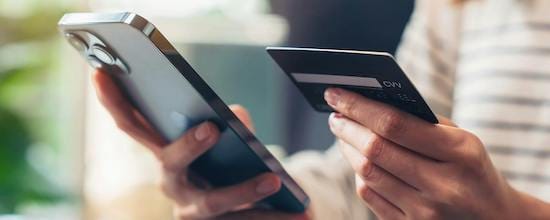
 Lifeline PROGRAM
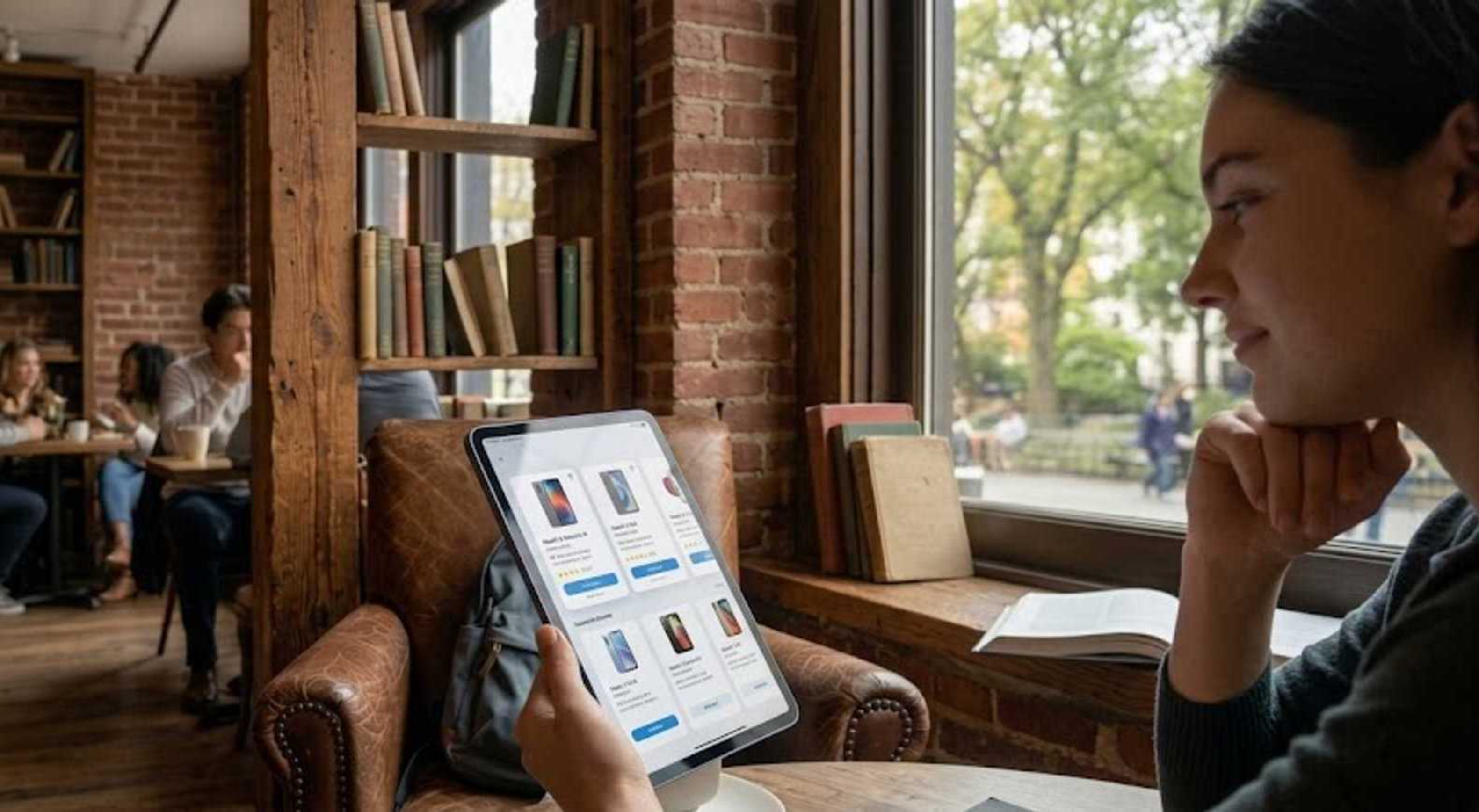 UNLIMITED DATA
 Fast Check
 Local Help
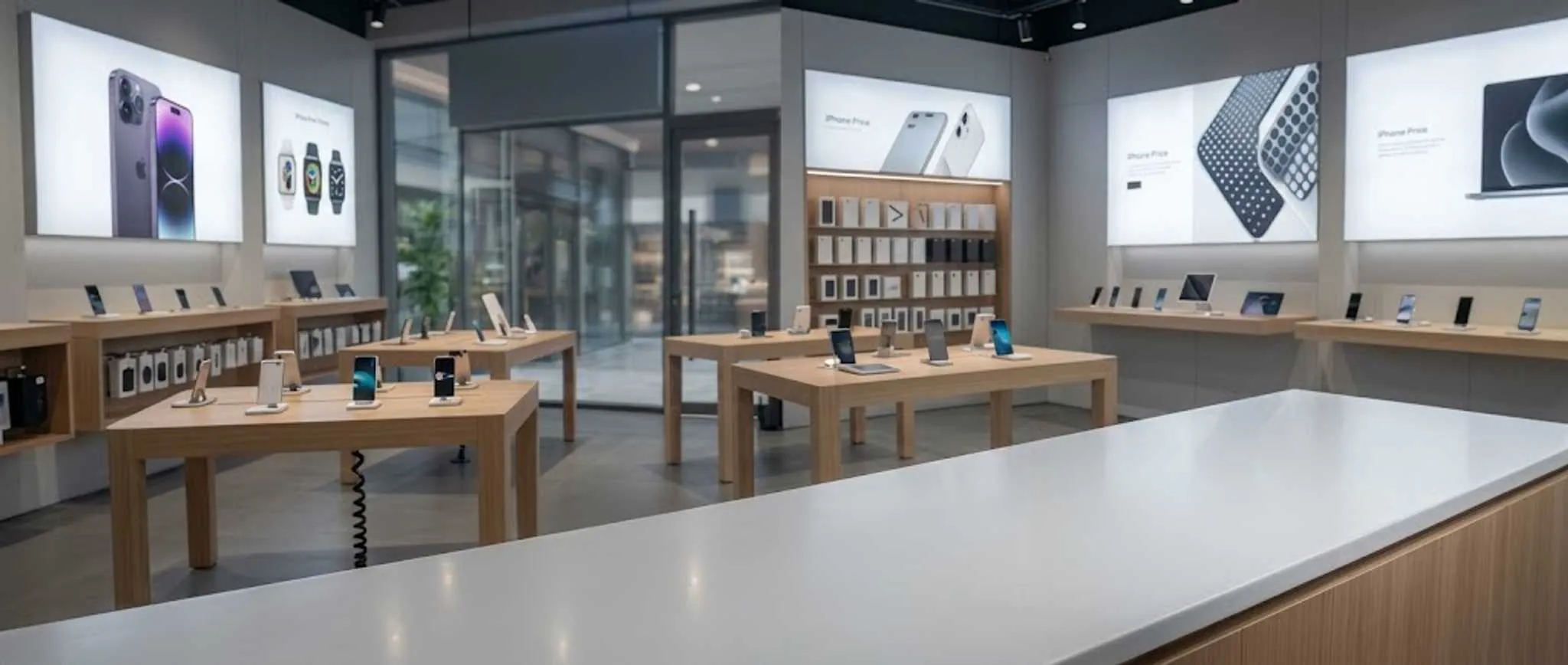 Real-Person