

=

Cricket Wireless Customer Service & Support

Cricket Wireless
Direct Support Estimated Wait Time: 1m 41s
  • 1m 41s wait
  • Toll-Free
800-274-2538 24 hours a day, 7 days a week
24 hours a day, 7 days a week Shortest Wait: Sunday Shortest Wait Best Time to Call: Sunday
Government Benefit Switch & Get a Free 5G Phone Enjoy $0 Unlimited Talk, Text & Data through Free Government Phone Program.
Start Saving Today
Toyota

Pro-Tips For Reaching A Human

  • To connect with a live agent, press 0.

Before You Call Checklist

  • Your 10-digit phone number.
  • Your Account PIN (6-digit or 10-digit number).
  • The last 4 digits of your Social Security Number.
  • The device you are having trouble with (for technical issues).
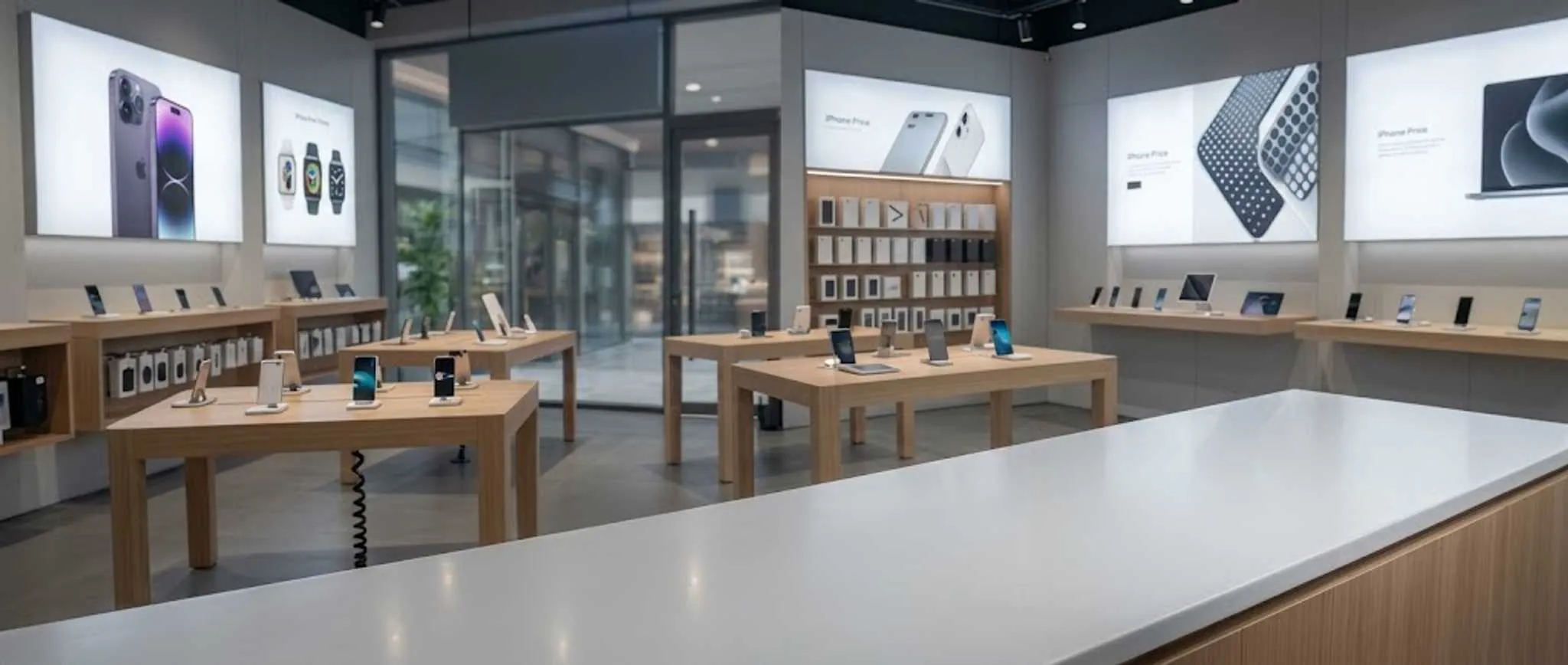
Store Locator Find the nearest location for in-person support, instant device setup, and account help.
Find Now

Frequently Asked Questions

  • How do I activate my Cricket Wireless service or new device?

    You can activate your device online by visiting cricketwireless.com/activate. You will need your Order ID and the phone number associated with your account. If you purchased your device at a Cricket store, it is likely already activated. Once you complete the online steps, insert your SIM card and restart your phone to connect to the Cricket network.

  • Can I transfer my current phone number to Cricket Wireless?

    Yes, you can bring your own number (Port-in) to Cricket. To do this, you will need your current carrier's account number and a Transfer PIN. It is important to keep your old service active until the transfer process is finished. Most numbers transfer within hours, but some may take up to 24 hours to complete.

  • How do I pay my Cricket bill or use BridgePay?

    You can pay your bill via the myCricket app, the "Quick Pay" feature on the Cricket website, or by calling *PAY (*729) from your phone. If you need more time to pay, Cricket offers "BridgePay," which allows you to split your bill into two payments and extends your service for an additional 7 days for a small fee.

  • What should I do if my Cricket data is slow or not working?

    First, check the myCricket app to see if you have reached your high-speed data cap for the month. If you still have data left, try restarting your device or toggling Airplane Mode. For customers who brought their own device (BYOD), ensure your APN settings are correctly configured by visiting Cricket's online support page for network settings.

  • How can I speak to a live representative at Cricket Wireless?

    To reach a live person, call (800) 274-2538 (1-800-CRICKET) or dial 611 from your Cricket phone. When the automated system starts, say "Customer Representative" or "Support." You can also access the Live Chat feature on the Cricket Wireless website during regular business hours for immediate assistance with your account.


Expert Guides

  • How to Get a Free Tablet in the United States
    How to Get a Free Tablet in the United States Hardware Programs
  • Combining Lifeline and ACP: Is It Possible?
    Combining Lifeline and ACP: Is It Possible? Affordability Programs
  • Top Carrier Deals for a Free iPhone
    Top Carrier Deals for a Free iPhone Consumer Choices
  • How to Get Low-Cost Internet Service
    How to Get Low-Cost Internet Service Affordability Programs
  • Why Free Phones Matter in the USA
    Why Free Phones Matter in the USA Consumer Choices
  • Ways to Finance a Phone with a Loan
    Ways to Finance a Phone with a Loan Affordability Programs

Essential Tools

  • Claim Your Free 5G Phone Lifeline PROGRAM
    Claim Your Free 5G Phone Apply for the Lifeline program and get a new phone delivered to you, at no cost.
    Apply Today
  • Explore Zero-Cost Plans UNLIMITED DATA
    Explore Zero-Cost Plans Compare Lifeline & ACP plans with unlimited talk, text, and data —all at $0/month.
    View Plans
  • Free Phone Eligibility Fast Check
    Check Eligibility Instant check for Lifeline and ACP. See if you qualify in under 2 minutes.
    Verify Status
  • Find Carrier Stores Local Help
    Find Carrier Stores Locate a store near you for in-person support, device pick up, and plan help.
    Locate A Shop
  • Get Customer Support Real-Person
    View Customer Care Talk to a real agent to find the plan with the most data and minutes for your needs.
    Get Support